Photo + dance video
AI dance swap with your own dance video
Upload one clear photo and a short dance reference. AI dance swap transfers the performance to the person in your photo, so you can try a different routine from the ready-made Angry Dance Filter templates.
This is motion transfer with Kling 2.6, rather than a face-only edit of the original footage. Review the input and result example, then check the credit quote before generating.
Updated November 11, 2026
Create a motion transfer
Powered by Kling 2.6 Motion Control via KIE.
Upload a video to calculate credits.
Use images and performances you have permission to use. Duration rounds up to the next second. Failed jobs are refunded through your credit history.
Video preview
How to make an AI dance swap
- 1
Choose one person
Use a clear JPG or PNG, up to 10 MB. Both sides must exceed 300 pixels. Show the full body for footwork, or the upper body for hand gestures.
- 2
Add the dance reference
Upload an MP4 or MOV between 3 and 30 seconds, up to 20 MB. Use a steady clip with one visible dancer and a framing similar to your photo.
- 3
Check the quote
Choose 720p or 1080p and review the detected duration and credits. Follow-image orientation accepts up to 10 seconds; follow-video accepts up to 30.
- 4
Generate and review
Sign in, use your purchased credits and wait for the task. Watch the whole result before downloading the MP4.
What your AI dance swap changes
The photo guides the subject’s appearance, while the video supplies movement. Match the framing and camera angle to help the model follow the performance. Facial details, clothing, background and choreography can vary.
AI dance swap pricing
Credits depend on the uploaded video’s detected duration and chosen resolution. Duration rounds up to a whole second, and the generator shows the total before submission. An account and purchased credits are required; there are no free generation credits.
Compare credit packs and plans. A 1080p clip needs more credits than the same-length 720p clip. Failed jobs return their credits; if a request is still processing, check the same task before starting another.
Prefer a ready-made dance?
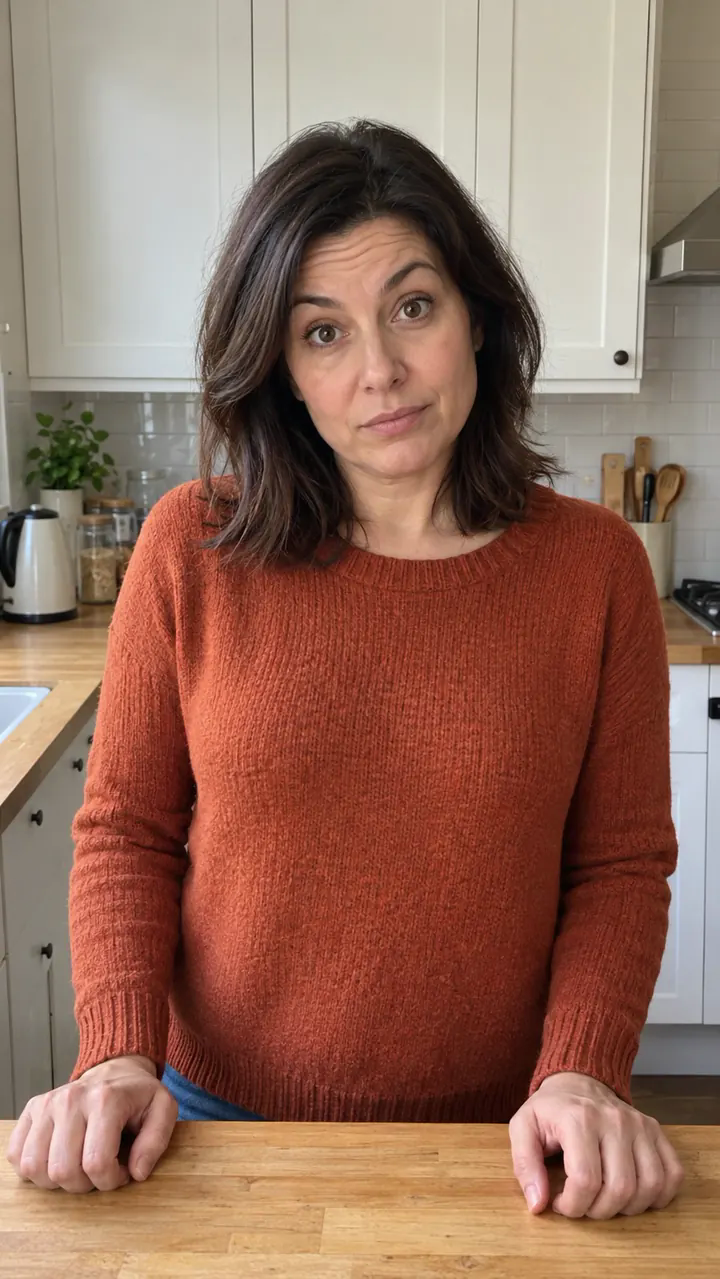
For the song behind the kitchen routine, read who Imael Angel is. For a quick kitchen argument, open the Angry Lady dance template. It already has its motion reference selected. Photo to Dance lets you preview and choose among the ready-made routines. The Jawn Dance template has its own built-in motion reference. The Bad Times tutorial explains that preset workflow.
Questions people ask
Can I use my own dance video?
Yes. Upload a 3–30 second MP4 or MOV, up to 20 MB, with one clearly visible performer. Use material you have permission to use.
Is AI dance swap a face swap?
This tool transfers the reference performance to your image. It does not simply paste a new face into otherwise unchanged footage.
Can I swap multiple dancers?
This workflow accepts one character image and one motion video. Use a reference with one main performer; multi-person replacement is not offered here.
Is it free?
Generation requires an account and enough purchased credits. The generator calculates the quote from your uploaded video before you submit.
What if the connection drops?
Return to the same browser and account to check the saved task. A disconnected browser does not mean generation failed. Avoid submitting a new task until you know the original status.
Make your photo follow the dance
Choose a clear character photo and one short reference performance.
Create my dance video